

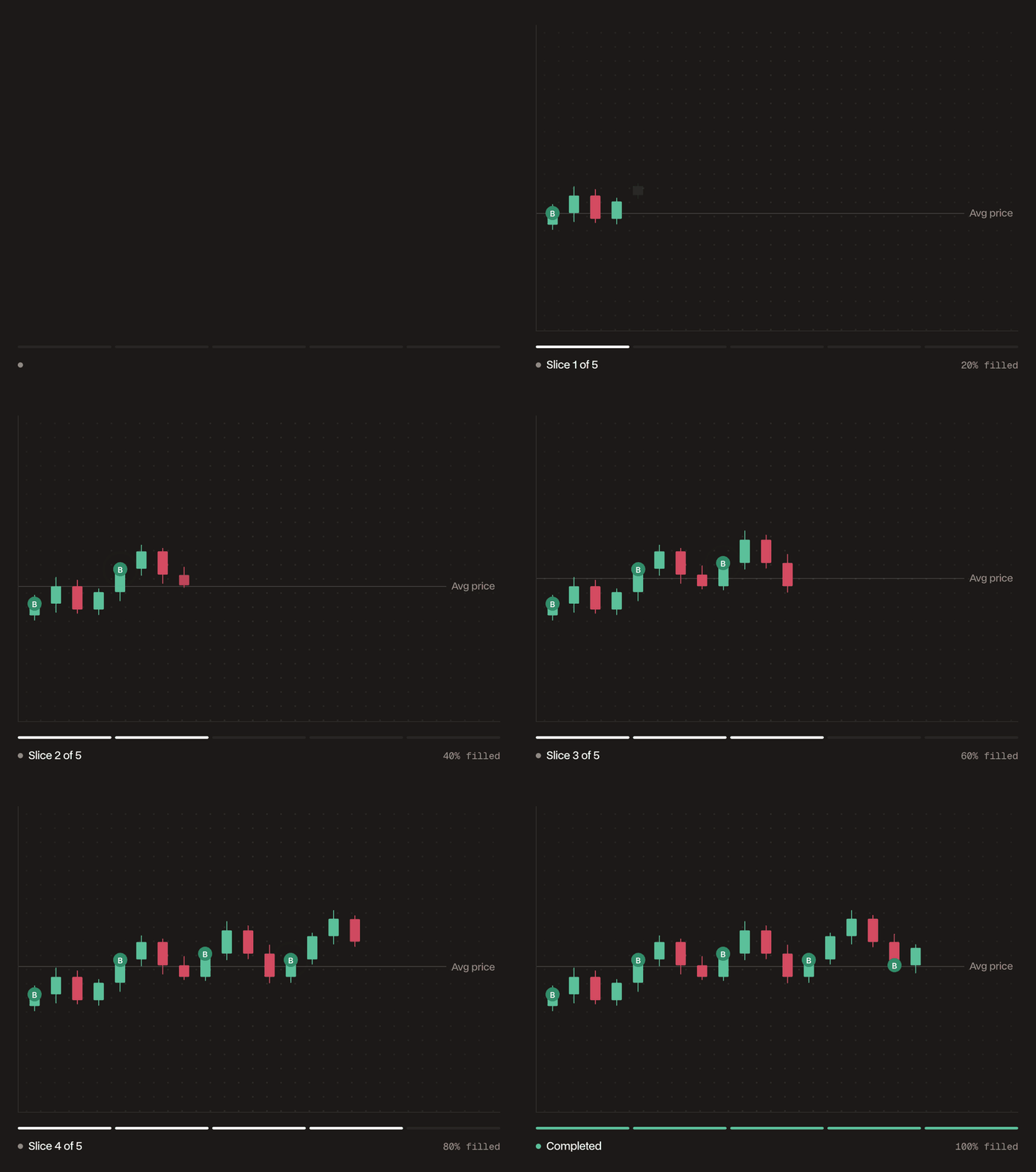
How it places orders
- Splits your total size into equal sub-orders, one every 30 seconds for windows up to 24 hours; longer windows space them further apart, up to 2,880 sub-orders in total. The form previews runtime, number of orders, and size per sub-order.
- With Stealth enabled, the TWAP executes through Hyperdash infrastructure instead of on-chain, which keeps it more private.
- The randomize options vary sub-order sizes and, with Stealth, intervals to make the execution pattern less predictable.
- In the Algos tab, every TWAP shows as TWAP, with a lock icon for a Stealth (private) TWAP and a globe icon for a public one.
- A running TWAP can be edited or stopped. When you edit it, the new total size must be greater than the amount already executed.
When to use it
- Entering or exiting a large position without moving the market
- Averaging into a position over a set window instead of timing a single fill
- Keeping your execution harder to track with Stealth and the randomize options
Parameters
Example
You want to buy 2 BTC over 2 hours. That is 240 intervals of 30 seconds, so Hyperdash places 240 sub-orders of roughly 0.0083 BTC each. At a $118,000 BTC price, each sub-order is about $980 of notional. With Randomize Size enabled, sub-orders vary in size while still summing to 2 BTC.Every sub-order must be worth at least $10. If spreading your size across the duration puts sub-orders below that, shorten the duration or increase the size.