

See how it works, with a live execution simulation, on the Hyperdash advanced trading page.
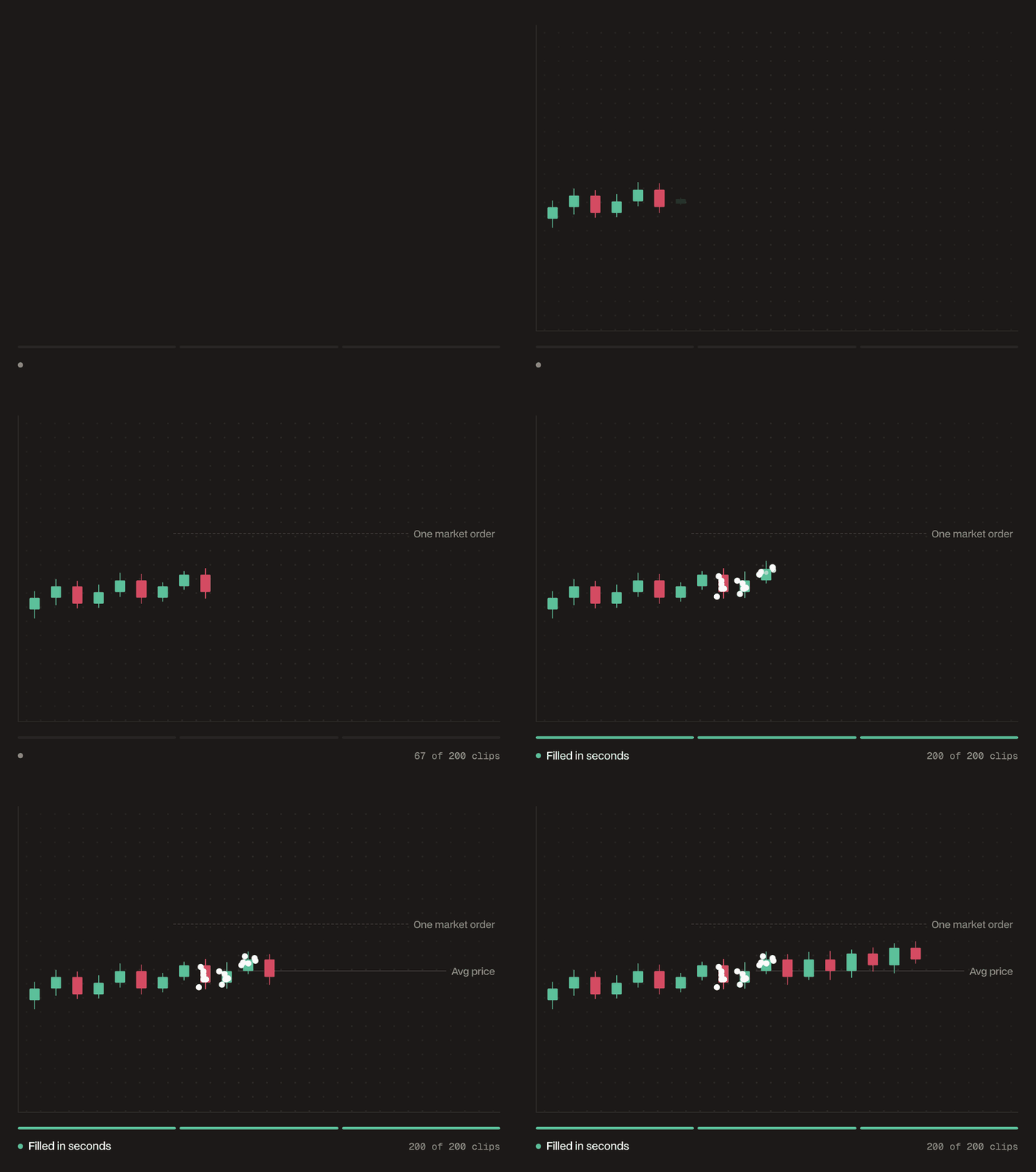
How it places orders
- Splits your total size into your chosen number of clips: equal sizes by default, varied sizes when Irregular Clips is enabled.
- Each clip is an immediate-or-cancel order priced at market plus a slippage allowance, so clips take liquidity rather than resting on the book.
- Aggression sets how many clips are in flight at once; as each completes, the next dispatches until all are processed.
- Completion is not guaranteed: a clip that errors or cannot fill within its slippage allowance is marked rejected and is not retried; the order reports how many clips failed.
- Stopping a swarm cancels its pending clips; only dispatched clips count toward your fill.
When to use it
- Filling size fast without showing one large order to the market
- Executing quicker than a TWAP window while still limiting impact
- Tuning the tradeoff between fill speed and footprint with the Aggression level
Parameters
Example
Sell 5,000 HYPE at a $40 price, about $200,000 of notional. With Total Clips at 100, each clip is 50 HYPE, roughly $2,000. At Aggression 4, up to 10 clips work the book at once until all 5,000 HYPE is filled. Irregular Clips would vary those sizes instead of printing a uniform 50 HYPE each.Clips have a $10 minimum value, so a swarm needs at least $20 of order value. The form shows the maximum clips your current size supports.