

Perp RFQ is in private beta. Request access and our team will verify your eligibility.
How RFQ works
1
Submit a request
Open the RFQ tab in the trade panel, pick your market, and set your size in USDC or in the asset. Choose Buy/Long or Sell/Short. Your direction stays hidden from market makers unless you tick Disclose side.
2
Market makers respond
Whitelisted market makers receive the market and size of your request and have 5 seconds to respond or pass. Responding market makers add real two-sided liquidity directly to the public order book.
3
Track the order book
Your RFQ ticket tracks the order book as liquidity arrives, showing your updated estimated slippage, average execution price, and the improvement versus the pre-RFQ book.
4
Execute or cancel
You have 30 seconds to execute. Nothing trades until you confirm, and you can cancel the request or let it expire at any time.
Key parameters
Live markets
Markets with active market maker liquidity:RFQ liquidity is available only during Nasdaq market hours: 9:30 AM to 4:00 PM ET, Monday through Friday, excluding US market holidays.
Future markets
These markets go live one at a time as coverage is added: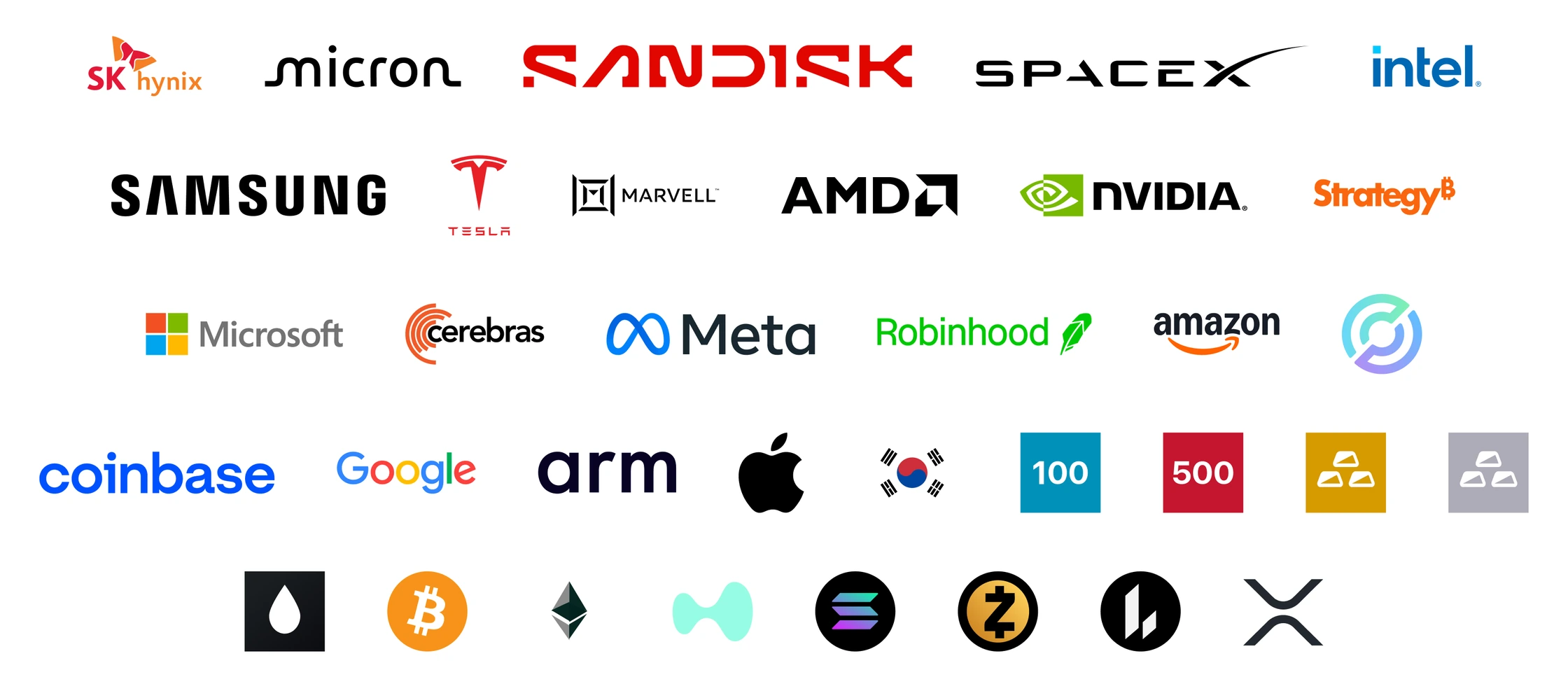
FAQ
How do I get access?
How do I get access?
Perp RFQ is in private beta and invite-only. Request access and our team will verify your eligibility.
What do market makers see?
What do market makers see?
The market and the size of your request. Your trade direction stays hidden unless you enable Disclose side.
Why would I disclose my side?
Why would I disclose my side?
Disclosing lets market makers add liquidity on one side instead of both, which can tighten your pricing. Keeping it hidden avoids signaling your intent. You set this per request.
Am I obligated to trade after requesting?
Am I obligated to trade after requesting?
No. The added liquidity sits on the public book. You choose whether to execute, and if you do nothing, the request expires after 30 seconds.
Does RFQ cost extra?
Does RFQ cost extra?
No. Standard Hyperdash trading fees apply to the executed order.
What happens if no market maker responds?
What happens if no market maker responds?
The request expires after 30 seconds and nothing executes. You can submit a new request at any time.